Input image
She Looks Up And Then Looks Back
Single image to video workflow
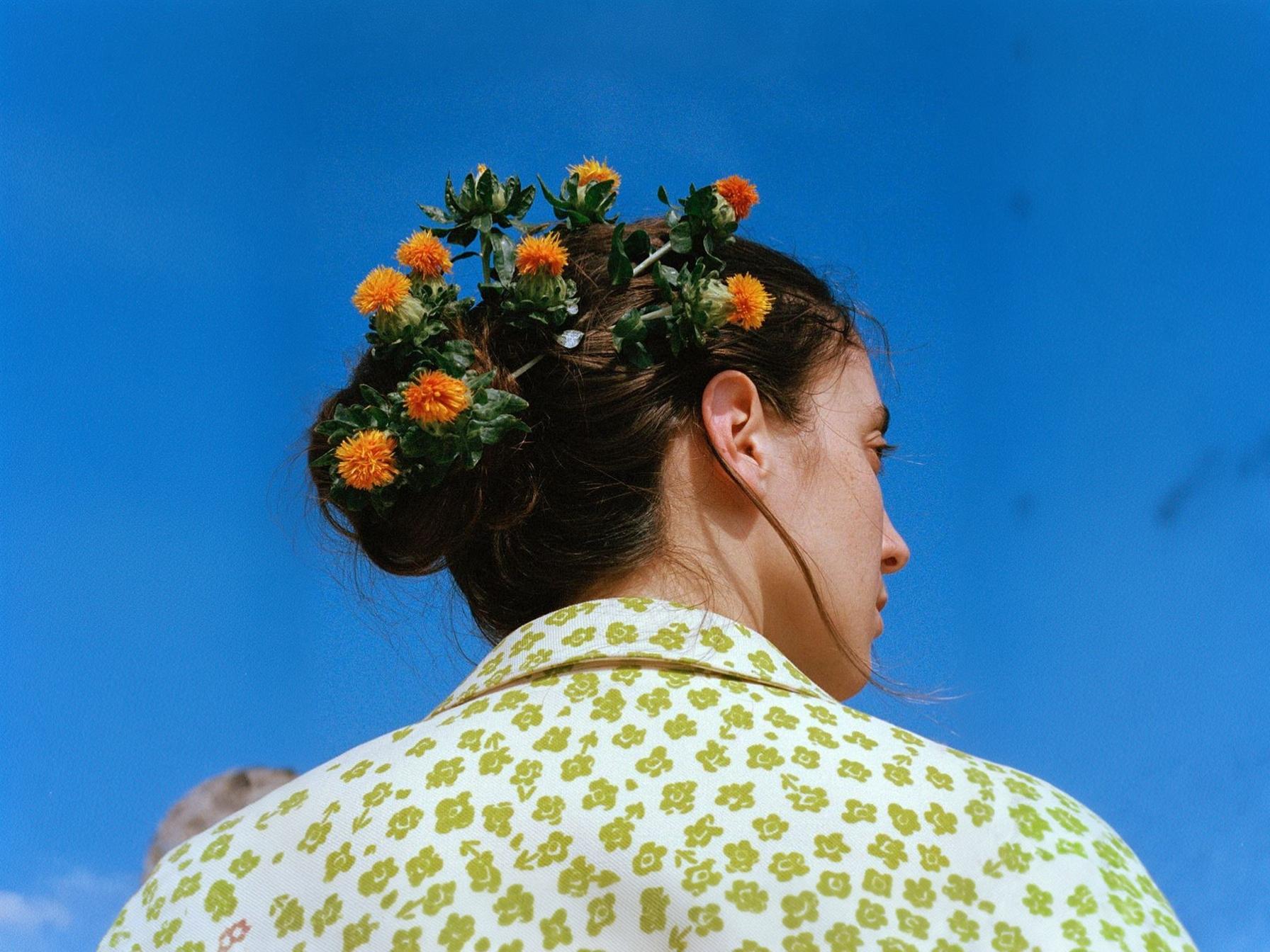
Generated video
Upload one image, add motion, and preview the result instantly.
Input image
She Looks Up And Then Looks Back
Generated video
Production-ready output
Generate, compare, and export from one workspace.
Prompt-guided motion
Direct motion with one prompt.
Consistent frames
Keep subjects more stable.
Fast export
Export quickly for launch use.
Image to video AI is changing how creative teams produce motion content. Instead of building every clip from scratch, teams turn existing images into polished videos — faster and with less overhead.
Most brands already have strong product photos, campaign visuals, and creator assets sitting in their library. Image to video lets teams turn those images into video without reshooting or starting over.
That shift matters for ecommerce brands running paid social, agencies managing multiple campaigns, and solo creators who need more video output from the same source material.
An AI image to video generator works best as a fast production layer — not a replacement for full video production, but a way to get more mileage from what you already have.
Common use cases teams are exploring:
The biggest advantage of photo to video AI is turnaround time. Teams can go from a still asset to a share-ready clip in minutes instead of days.
That speed compounds when you need multiple variants for A/B testing, different aspect ratios for different channels, or rapid iteration during a product launch.
imgtoveo.com keeps the workflow simple: upload an image, describe the motion, generate a clip, and ship it to the channel that matters.
Keep your source image recognizable while adding motion and atmosphere.
Generate clips that are easy to finish with captions, music, and paid social edits.
Turn multiple product or campaign images into video variations faster.
Create more ad variants for testing without rebuilding assets from scratch.
Shorten the path from still asset to motion creative for launch weeks and promotions.
Use proven prompt patterns for product ads, portraits, and cinematic reveals.
Start with a product photo, portrait, illustration, or campaign visual.
Tell the model how the camera should move, how the scene should feel, and which format you need.
Review the first result, tweak the prompt if needed, and export a share-ready clip.
Animate hero images into motion assets for paid social, PDP modules, and seasonal promotions.
Add subtle motion to portraits, concept art, and thumbnails to make posts feel more premium.
Repurpose existing campaign visuals into short-form clips without restarting the production process.
Examples below use real source images and generated clips uploaded from the current media library.
Real input image paired with the generated motion result from the same prompt.
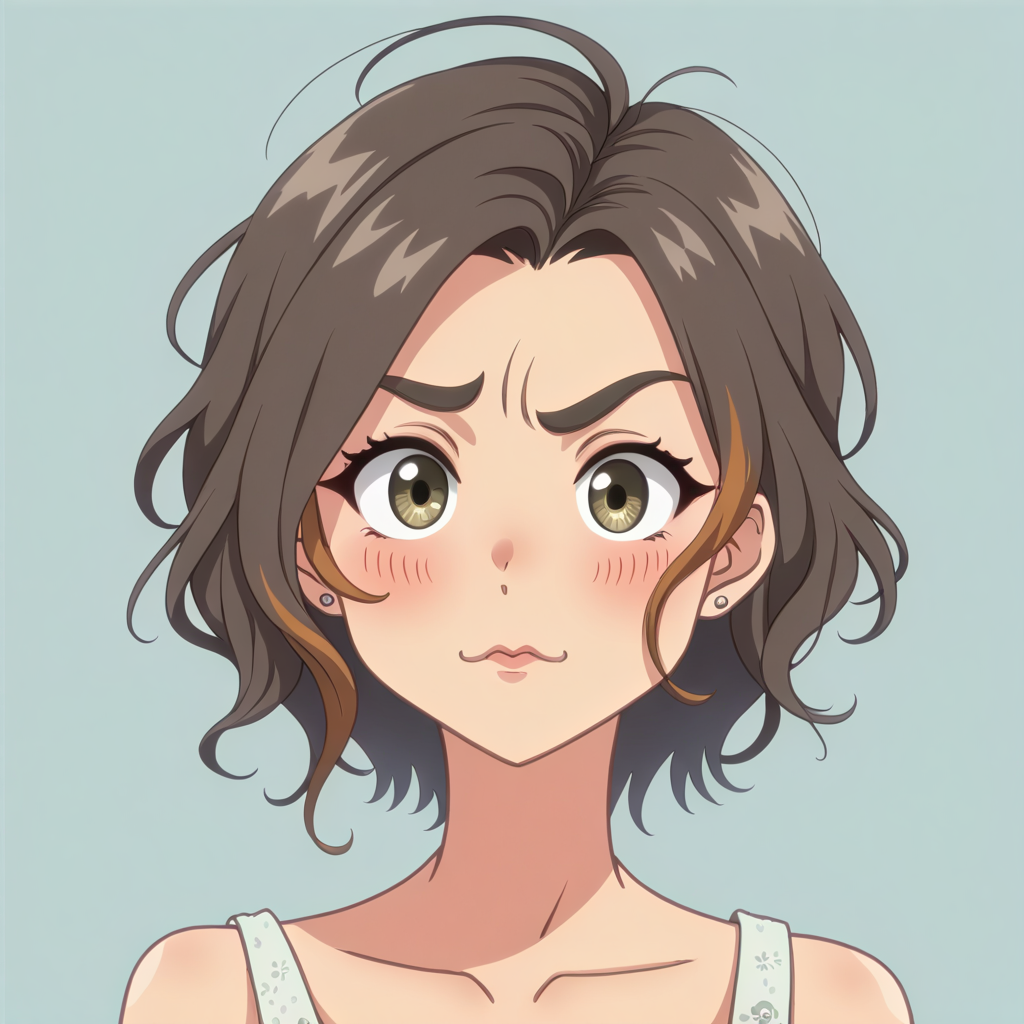
A whimsical prompt transformed from still input into a warmer, more animated story beat.

Real input image paired with the generated motion result from the same prompt.

Abstract first-and-last-frame source images paired with a rhythmic motion result.


Real input image paired with the generated motion result from the same prompt.
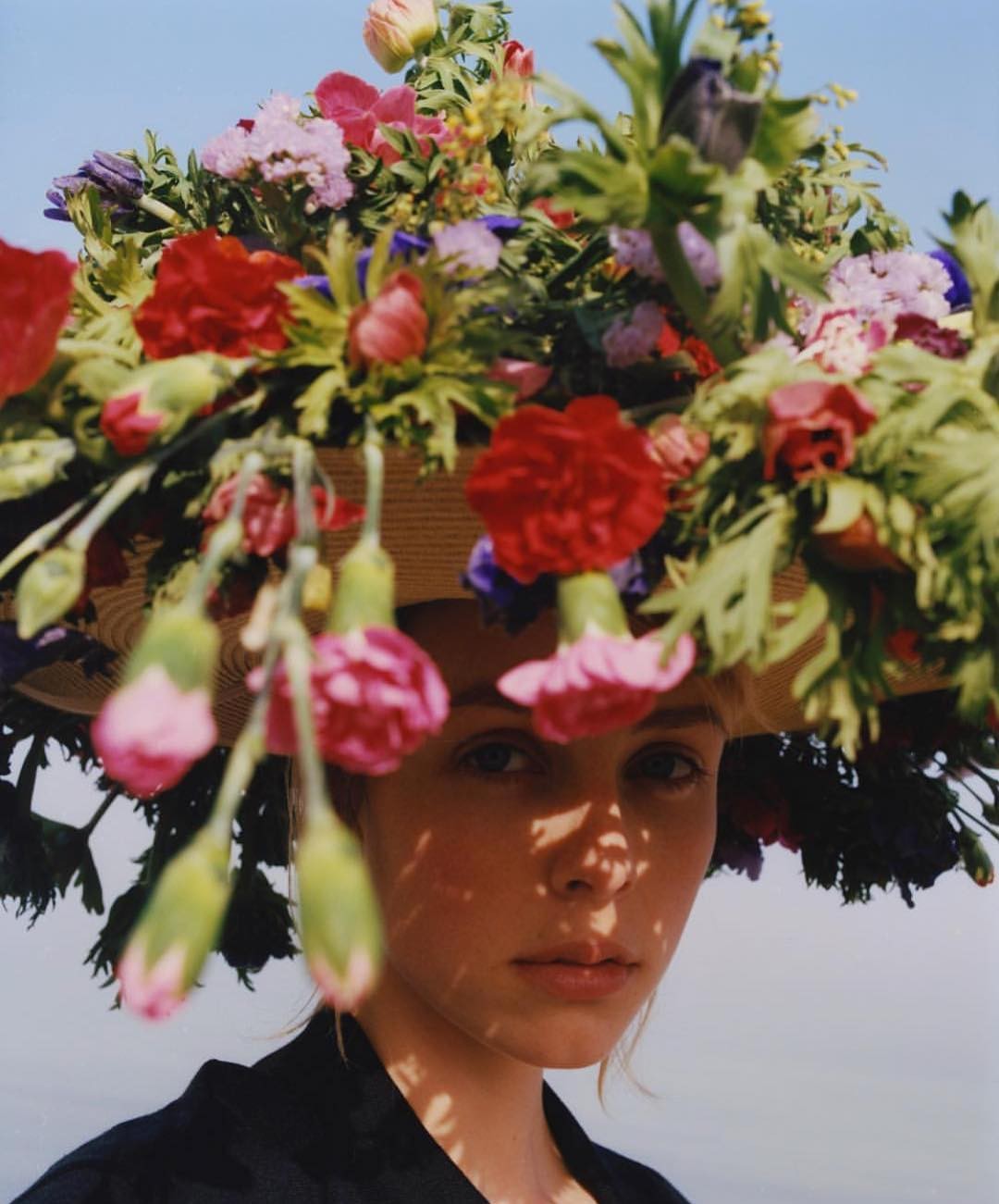
Real input image paired with the generated motion result from the same prompt.
Start with the core guides, compare workflows, and move into the tool page when you are ready to create.
Image to video AI animates a still image into a short clip using motion prediction, prompt guidance, and frame consistency models.
Yes. It works well for ecommerce, paid social ads, product launches, and creative testing when you already have strong still images.
Clear, well-lit images with a strong subject usually produce the best motion and the most stable results.
Yes. Text to video starts from a written prompt only. Image to video starts from an existing image and animates that source asset.
Use imgtoveo.com to test image-to-video ideas, build more creative variants, and ship motion assets without adding production complexity.